
Opera
Opera is a free web browser for Windows from Opera Software. The stable release is 136.0.6008.22, published on 17 September 2026.
133.1 MB

154.0.8037.58 · PortableApps · Page updated
Google Chrome Portable is a PortableApps package that runs Google Chrome from any folder or USB drive without installing it in Windows.
Average 0.0 · ratings: 0
Thank you! Your rating is saved; you can change it. Could not save the rating. Please try again later. Too many ratings from your network today. Please try again tomorrow. The average appears after 5 ratings.
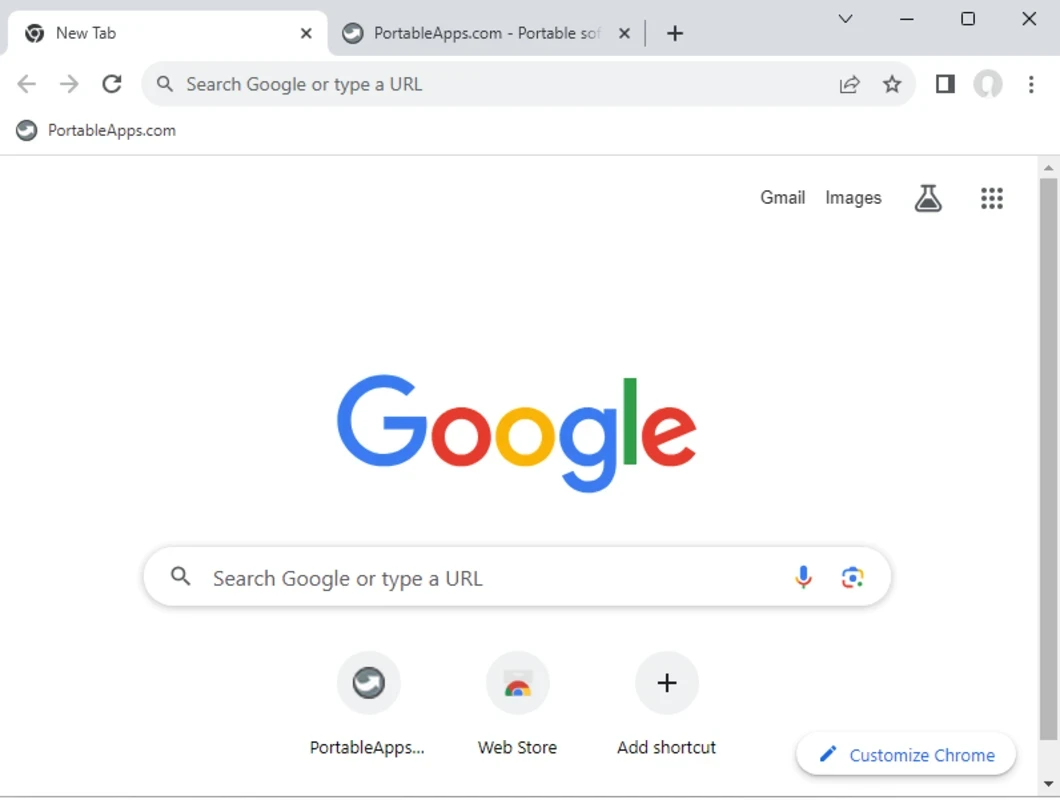
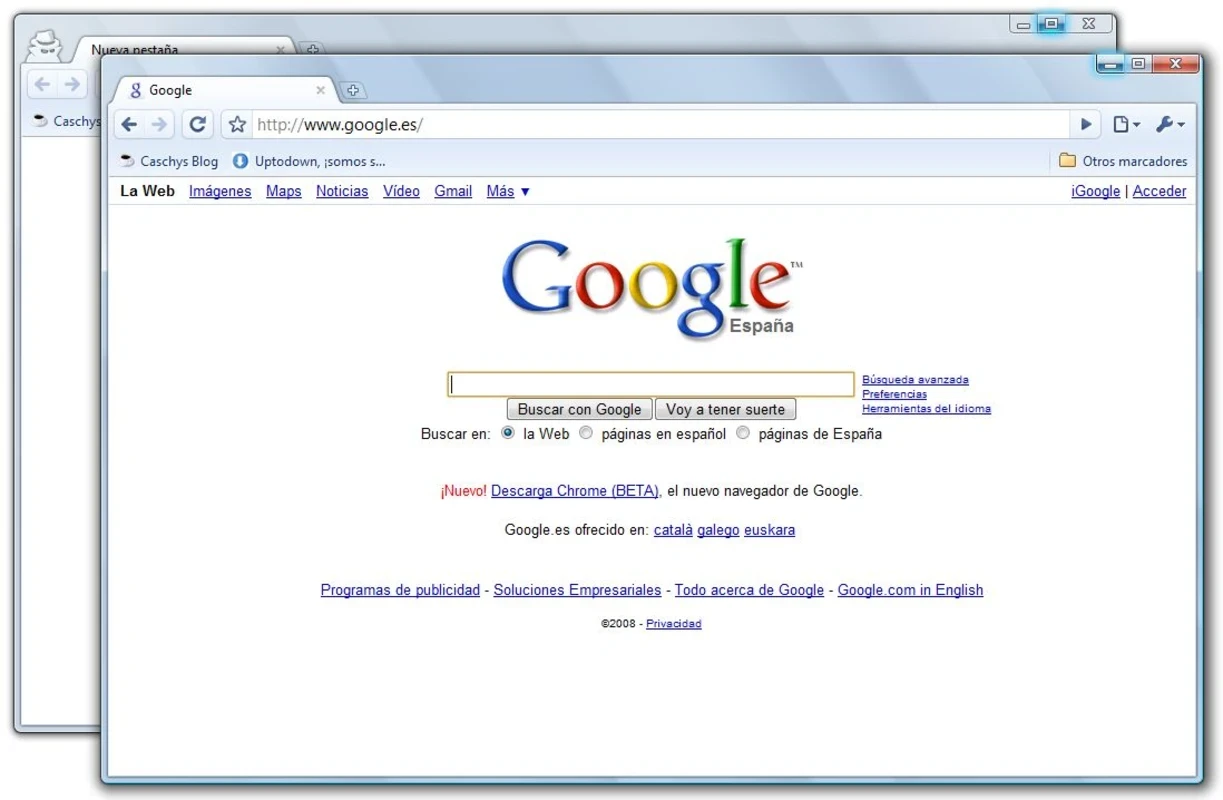
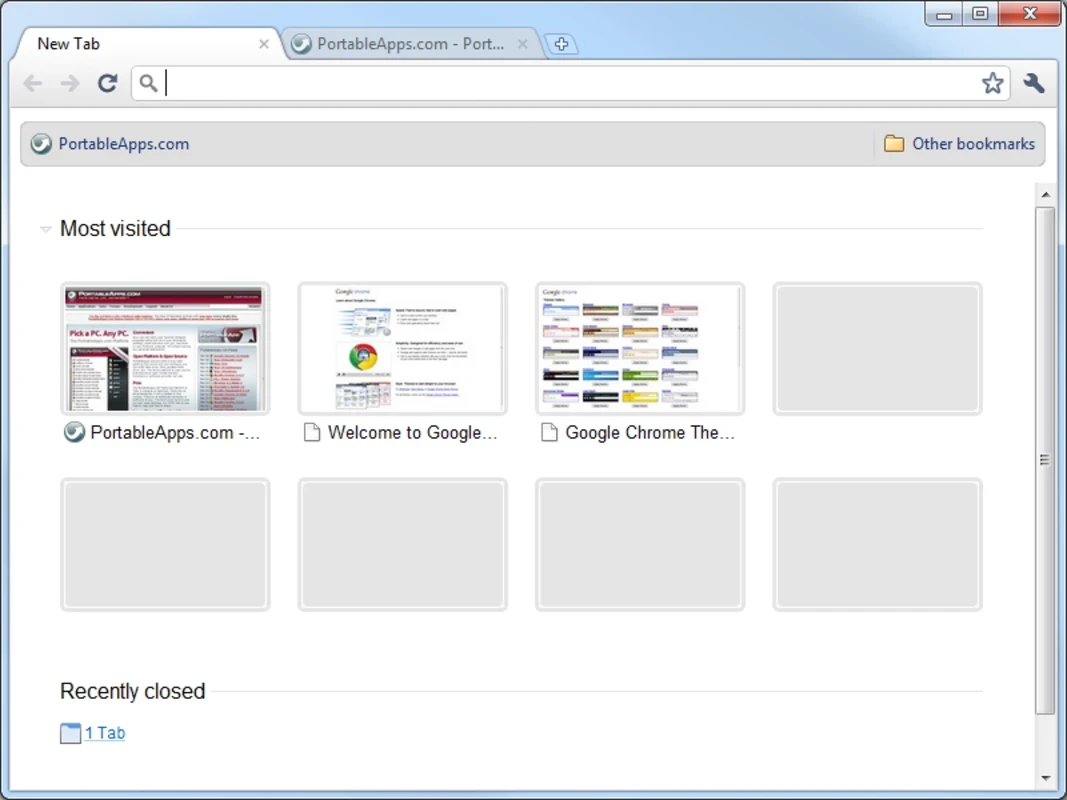
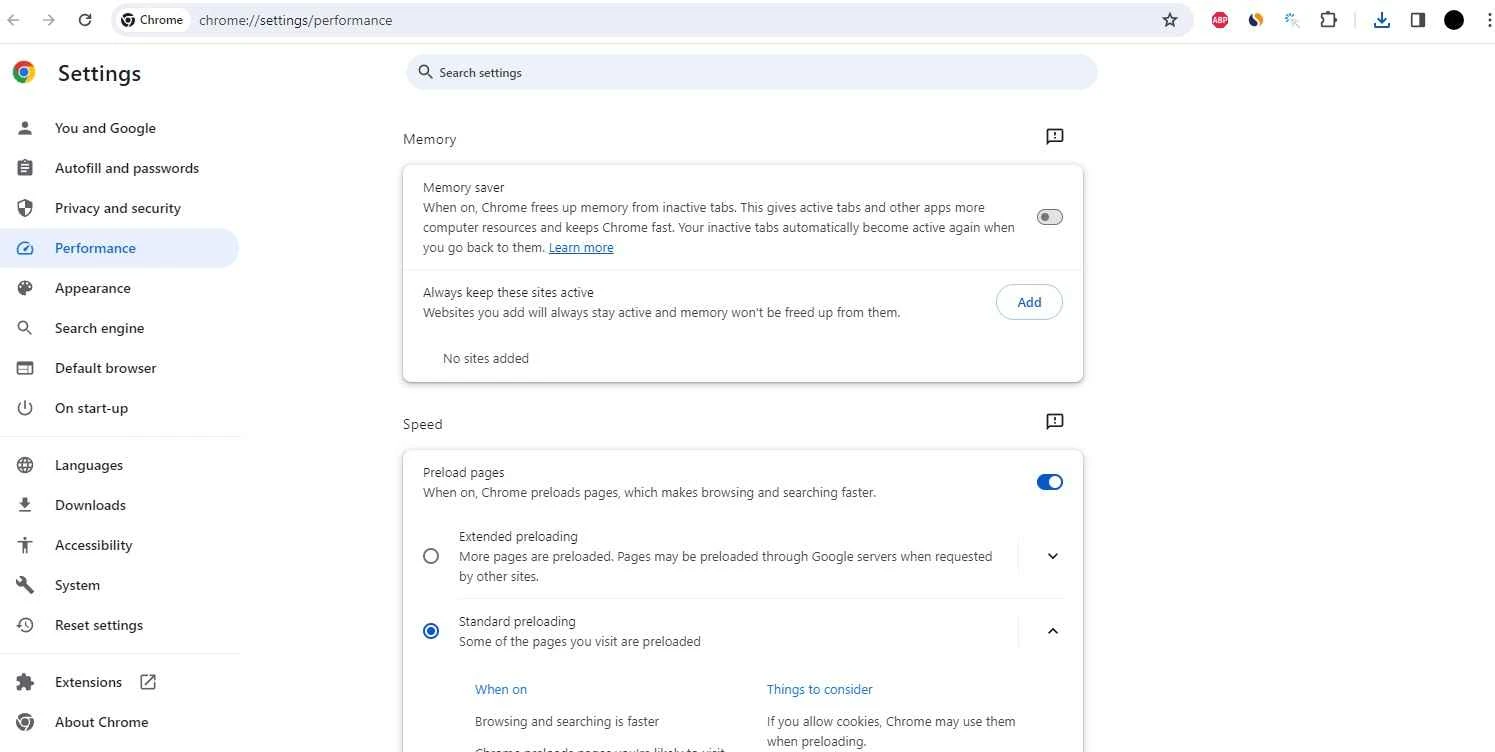
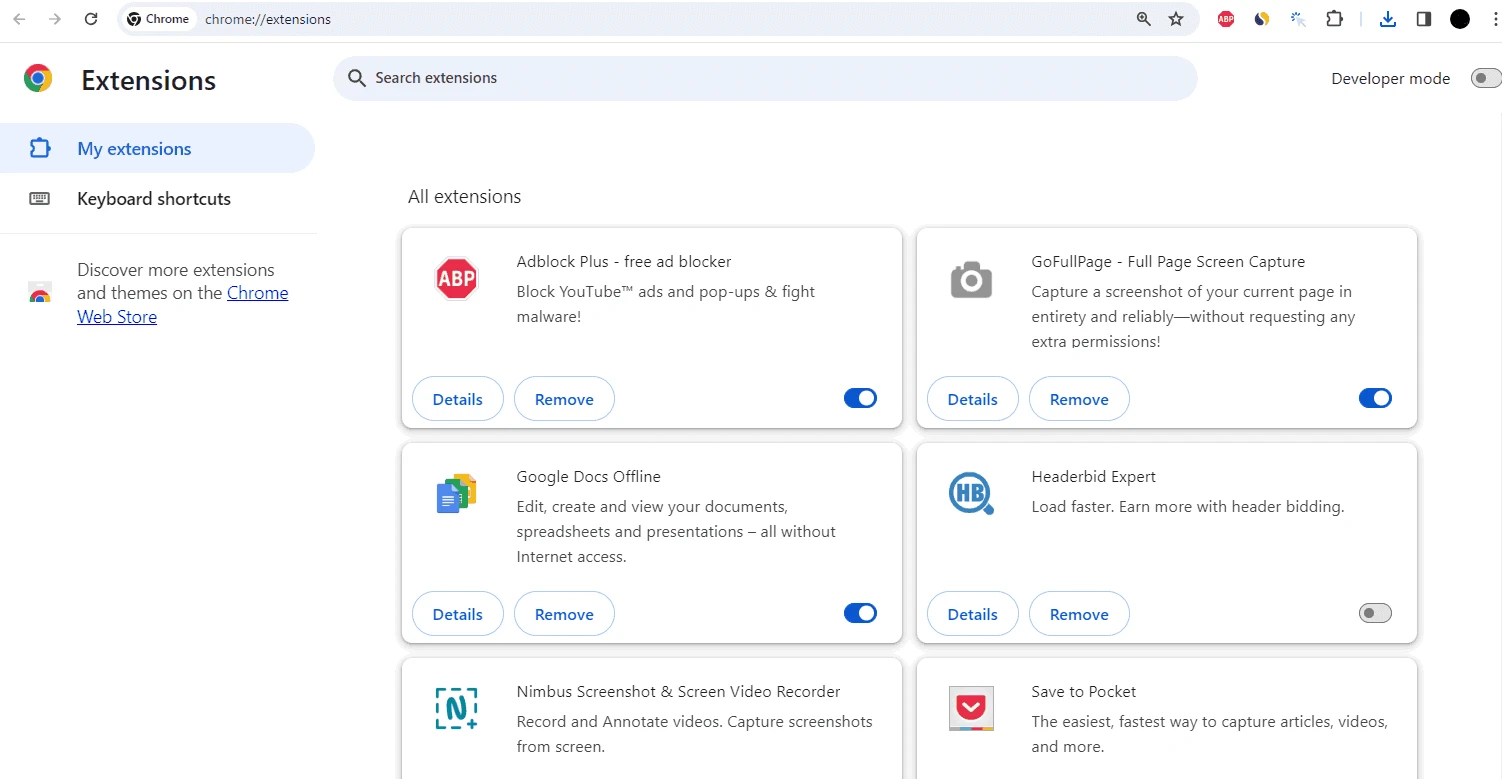
Google Chrome Portable 154.0.8037.58 is a package from PortableApps that runs Google's Chrome browser on Windows without a normal installation. You download Chrome Portable when you want to carry your browser, bookmarks and extensions on a USB stick, or use Chrome on a computer where you cannot install software.
| Item | Details |
|---|---|
| Chrome version | 154.0.8037.58 (stable, 22 September 2026) |
| Package by | PortableApps |
| Browser developer | |
| Engine | Chromium |
| Windows | Windows 10 or later, or Windows Server 2016 or later; Pentium 4 or later with SSE3 |
| Windows on ARM | Windows 11 and up |
| Licence | freeware |
| Installer | about 1.45 MB according to catalogue data (downloads the browser during setup) |
The regular Chrome installer writes the program into the system, registers services for updates and keeps your profile in the user folder. The portable package does none of that. PortableApps wraps the official Chrome files with a launcher that keeps the program and the profile together in one folder you choose. When you start it, the launcher points Chrome to that local profile, and when you close it, nothing stays on the host computer. You can put the folder on a flash drive, a cloud-synced directory or an external SSD, plug it into another PC and continue with the same tabs, passwords and extensions. The small initial download is a setup tool that fetches the full browser files. Updates are handled by the PortableApps platform or by downloading a new package, rather than by Google's background updater.
Google's system requirements say that Chrome 109, released January 10, 2023, was the last version for Windows 7 and Windows 8/8.1. Current versions need Windows 10 or later.
If you prefer the standard version, Google explains installation on its help page.
A browser on a flash drive can be lost along with your saved passwords. Protect the profile with sync encryption or avoid storing passwords, and update the package promptly, because it is not updated automatically in the background.
Chrome and the portable package are free.
Other portable browsers on our site include Mozilla Firefox Portable, SRWare Iron and Cent Browser, which have portable editions. The installed versions of Chrome Beta, Dev and Canary are also available.
Opera is a free web browser for Windows from Opera Software. The stable release is 136.0.6008.22, published on 17 September 2026.

UC Browser for Windows is the desktop version of the web browser from UCWeb, a Chinese mobile internet company.

Google Translate is Google's multilingual machine translation service, used on Windows through the website and a browser extension.

Microsoft Edge is Microsoft's web browser, preinstalled on current Windows versions and available as a free download for reinstalling or updating.

Mozilla Firefox is a free and open-source web browser developed by Mozilla, available for Windows, macOS, Linux, Android and iOS.

Google Chrome is the free web browser from Google. The stable Windows release is 154.0.8037.58, out since 22 September 2026.

Cent Browser is a free Chromium-based browser for Windows from Cent Studio that adds mouse gestures, tab tweaks and other power-user options.